Skip to content
Guide
Pricing
Download
Features
FAQ
Help
Youtube
Guide
Pricing
Download
Features
FAQ
Help
Youtube
01
QR Password Manager Installation
Install the QR Password Manager application on your smartphone
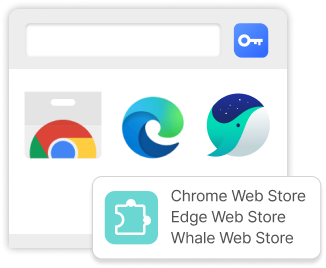
Install the QR Password Manager extension on your PC browser
02
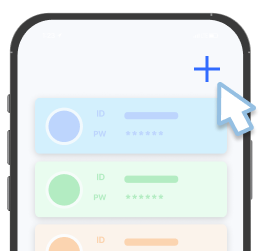
ID and password registration in the QR Password Manager app
Register IDs and passwords for each service
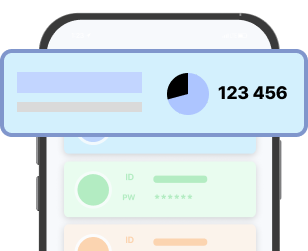
Set up 2FA OTP
03
How to use the QR Password Manager app on your PC
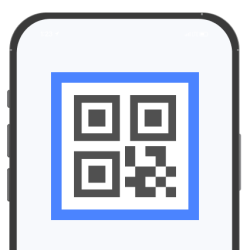
Generate a QR code in the website login window
Scan the QR code with the QR Password Manager app to approve
04
How to use the QR Password Manager app on your smartphone
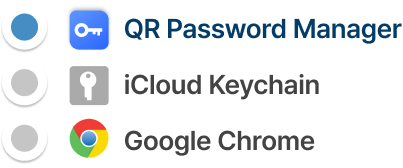
Change the autofill option in your smartphone settings
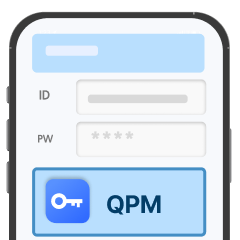
Use QR Password Manager autofill in the mobile app